The Vanguard Camo Glitch That Silently Deleted Your Progress
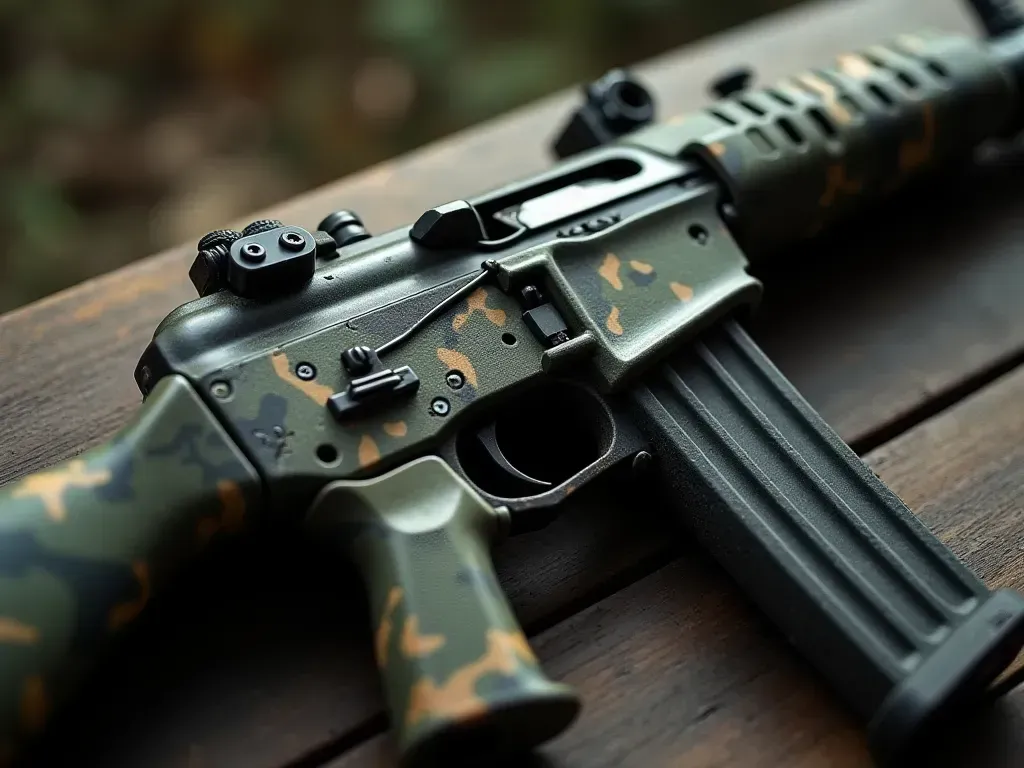
The Silent Killer of Your Camo Grind
You pull the trigger. The enemy drops. The kill counter stays frozen at forty-nine.
It happens again on the next match. And the one after that. You check your stats.
This is the nightmare facing thousands of Call of Duty: Vanguard players right now.
The game is eating your kills. Not all of them. Just the ones that matter for specific camos.
We are talking about a tracking bug that feels personal. It ignores your effort completely.
Why Your MP40 Is Hiding Its Kills
Community reports point to a specific pattern. The MP40's Reptilian camo is a prime victim.
Players report hitting the kill requirement but seeing zero progress. The bar does not move.
It is not just the MP40. The STG-44 and M1 Garand are also on the hit list.
Zombie camos seem particularly vulnerable to this data loss issue. It is maddening.
The Broken Link Between Action and Reward
Here is the technical reality. The server likely receives your kill data.
But a logic filter fails to apply it to the specific camo challenge. The data dies in transit.
This is not a client-side error on your console or PC. You cannot fix it locally.
What Activision Has Not Told You Yet
Sledgehammer Games knows about this. The community has been screaming for weeks.
Official support tickets are the only current path. But that is slow and frustrating.

There is no workaround. No code to enter. No setting to toggle in the options menu.
The Waiting Game and Its Cost
Every hour spent grinding a broken camo is an hour wasted. It hurts motivation.
Some players have quit multiplayer entirely out of sheer exhaustion and anger.
Why This Matters for Long Term Progression
Camo completion is a core part of the Call of Duty identity. It is your trophy case.
When that system breaks, it feels like the game is stealing your achievements.
Comparing This Glitch to Past Launch Fiascos
We have seen launch bugs before. High latency and packet bursts are common complaints.
But those affect everyone equally. This camo bug feels selective and unfair.
The selective nature of this bug makes it harder to diagnose for players.
What You Should Do While Waiting for a Patch
Stop grinding the affected weapons immediately. It is a waste of time right now.
Focus on camos for weapons that are tracking correctly. Keep your momentum up.
Monitoring the Patch Notes Closely
Check official channels daily. A hotfix could drop at any moment without warning.
Once the fix lands, restart your affected camo progress to ensure clean data.
The Risk of Ignoring the Problem
If you keep playing broken weapons, you might develop bad habits. You will hate it later.
The Bigger Picture of Game Development Trust
Players are tired. Too many bugs at launch have eroded confidence in new titles.
Activision needs to act fast. Silence from developers only fuels the fire online.

The community is watching. Every delay in fixing this bug adds to the skepticism.
How Other Games Have Handled Similar Crises
Successful studios often issue credit or free items to compensate for broken progress.
We hope Sledgehammer considers a similar gesture. It would go a long way to heal trust.
Your Next Steps in the Vanguard Meta
Stay flexible. Switch weapons if one is not tracking correctly for your account.
Keep playing the modes you enjoy. Do not let a bug ruin your entire experience.
Finding Reliable Information Sources
Stick to verified news outlets for patch details. Avoid rumor mills on social media.
Check our blog regularly. We track these issues and provide clear updates for you.
The Role of Community Forums in Debugging
Reddit and Discord are goldmines for spotting patterns. Share your findings there.
Collective data helps developers identify the root cause of these persistent bugs.